An offline block puzzle you can play anywhere
The best time to play a block puzzle is often the worst time for internet: on the bus, on a plane, in the underground, or when your mobile data runs out. Gridwit is built to work fully offline, so your game is always there when you have a few minutes.
What works offline
Everything you need to play. Gridwit runs on your phone, so you can play with no Wi-Fi and no mobile data:
- Classic: the 8x8 block puzzle with combos and PERFECT clears.
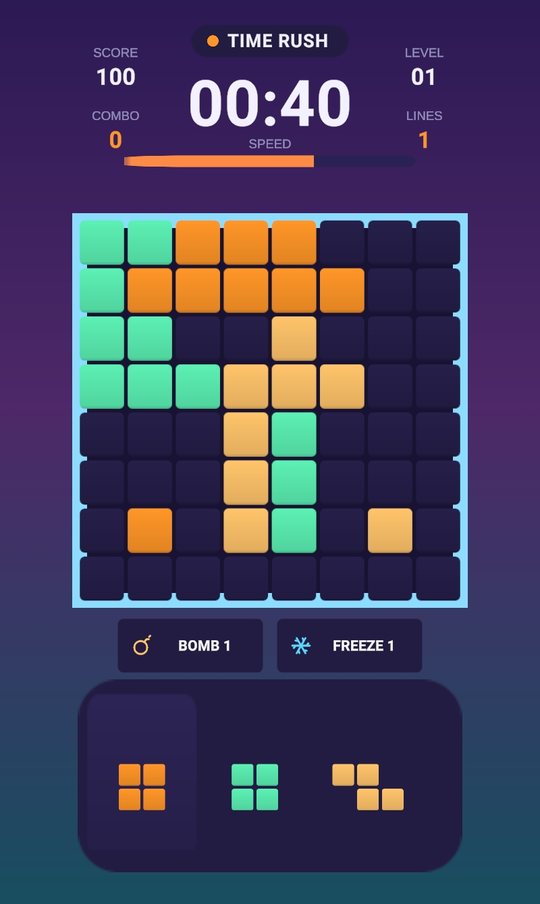
- Time Rush: 60 seconds, every clear adds time.
- Starlight: turn seeds into stars and charge a Super Nova.
- Adventure: 54 levels across 3 worlds.
- Zen: no timer, no pressure.
Your coins, unlocks, block styles and themes are saved on your phone, so nothing is lost when you are offline.
What needs a connection
A few extras use the internet, and they simply catch up the next time you are online:
- Ranking: your Classic scores are sent to the Google Play Games leaderboard when you are back online.
- Cloud save: if you are signed in to Google Play Games, your progress is backed up to your Google account so you can move it to a new phone.
Download once, play anywhere
Install Gridwit once while you are on Wi-Fi and it is ready to play wherever you go. No Wi-Fi, no mobile data, no problem.
Why offline matters for a block puzzle
Block puzzles are the perfect "five spare minutes" game: easy to start, easy to stop, and always one more round. That only works if the game opens instantly, wherever you are. With Gridwit, you never see "no connection" in the middle of a good run.
Want to get better while you play offline? Read our 12 block puzzle tips for higher scores, or see how Gridwit handles ads.
Try it on Gridwit
Gridwit is a free 8x8 block puzzle for Android with six modes: Classic, Time Rush, Starlight, Adventure (54 levels), Daily Puzzle and Zen. Fair pieces, big combos, a ranking and far fewer ads than most block puzzles.
Questions
Can I play Gridwit without internet?
Yes. Gridwit works fully offline. Classic, Time Rush, Starlight, Adventure and Zen can all be played with no Wi-Fi or mobile data.
Will I lose my progress if I play offline?
No. Progress, coins and unlocks are saved on your phone. If you use Google Play Games, your cloud save and ranking scores sync the next time you are online.
Is Gridwit free?
Yes. Gridwit is free on Google Play. An optional one-time Remove Ads purchase is available.